


Free · APK download
Preview

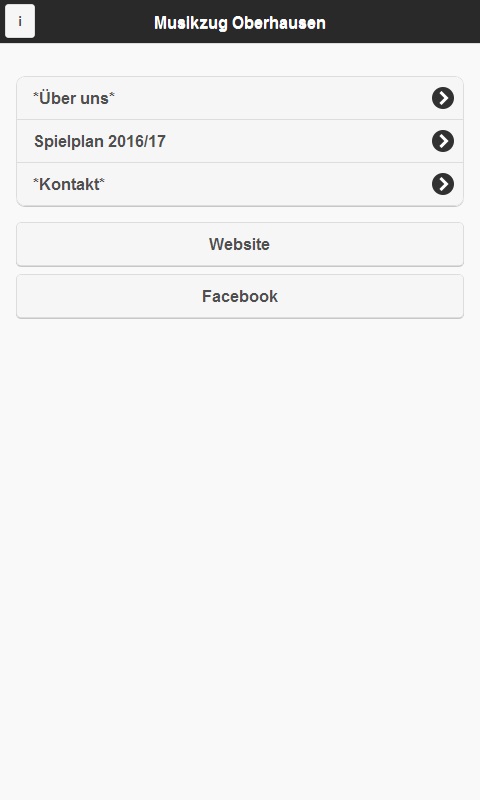
About MZO
Das Ziel sollte die Förderung und auch der Zusammenhalt in einer Gemeinschaft sein.
Es sei zu erwähnen, dass der Anfang hier in Oberhausen sehr schwer war,
da es viele begeisterte Spielmannszüge in unserer Region gibt.
Aber die 16 musikbegeisterten Spieler sagten sich : „ Wir können das schaffen !“
Denn wir wollen keine Musik spielen, wie die der anderen sondern wir wollen uns von der Masse abheben und anders sein .
Wir wollen Instrumente einbringen die einem Musikzug eigentlich unüblich sind.
Manche Spielleute kamen aus anderen Vereinen, die den Wiedereinstieg zur Musikgefunden haben.
Dadurch profitieren die Spielleute, die noch nie ein Instrumentgespielt haben und denen so der Spaß an der Musik näher gebracht werden kann.
Natürlich sind wir in der Weiterentwicklung der Kinder und Jugend bemüht und bringen schon den Kleinsten im Verein das musizieren nahe und fördern die Entwicklung.
Proben finden in unserem Vereinsheim Sportfreunde 06 Sterkrader Heide e.V. statt.
Denn wo es gesellig ist und es sein soll, darf die Musik nicht fehlen !!
About the app
The Android app MZO comes from beorush and has been available for free in the apps.merq.org community app store since Oct 10, 2016 – listed in the Blogs & News category. 310 users have already downloaded MZO.
As a blogs and news app, MZO brings the content of a website or feed straight to your phone – new posts are easy to read on the go. The app is installed as an APK file directly from apps.merq.org – no Google account required. You only need to allow installation from unknown sources once.
You will also find 3 more apps by beorush in the store. Details about the provider can be found in the imprint on this page. The name, description and content of the app come from the uploader; questions about the app are best answered by beorush directly.
How to install the app
- Open this page on your Android device and tap “Install”.
- If asked, allow your browser to install apps from “unknown sources”.
- Open the downloaded APK file and confirm the installation.
On a computer? Use “Share” to send the link to your phone.


