


Free · APK download
Preview

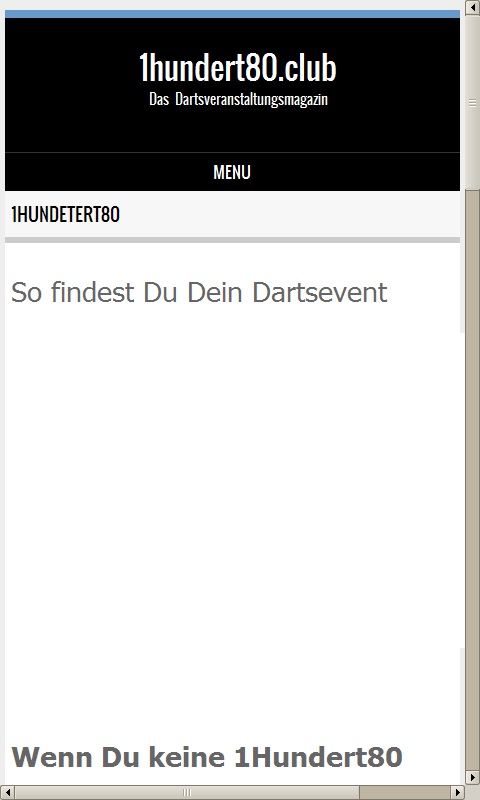
About 1Hundert80.club
dann solltest Du regelmäßig hier auf 1Hundert80.club vorbei schauen. Hier findest Du außer den Profi Dartsevents auch viele Events in deiner Nähe. Wenn Du sogar selber an Dartsevents teilnehmen möchtest, dann ist 1Hundert80 eigentlich Pflicht. Denn hier auf 1Hundert80.club findest Du nicht nur die Termine, sondern auch alle Informationen zur Teilnahme an den Dartsevents. Und in der Nachschau stellen wir noch regelmäßig die Bilder und Informationen der Dartsevents ein.
Aber allen voran stehst Du, wenn Du Darter bist und Darts für dich viel mehr ist, alseinHobby. Nämlich eine Leidenschaft.
Wenn Du selber Dartsevents ausrichtest, oder Dartseventsausrichten möchtest,
dann ist der 1Hundert80.club genau der richtige Partner um dein Dartsevent bekannt zu machen. Nutze einfach das Formular Veranstaltung Vorschlagen um Dein Darsevent hier vorzuschlagen. Im Regelfall siehst Du nach max. 24Std., ob es angenommen wurde.
About the app
The Android app 1Hundert80.club comes from dirk Sölter and has been available for free in the apps.merq.org community app store since Apr 17, 2019 – listed in the Blogs & News category. 344 users have already downloaded 1Hundert80.club.
As a blogs and news app, 1Hundert80.club brings the content of a website or feed straight to your phone – new posts are easy to read on the go. The app is installed as an APK file directly from apps.merq.org – no Google account required. You only need to allow installation from unknown sources once.
Details about the provider can be found in the imprint on this page. The name, description and content of the app come from the uploader; questions about the app are best answered by dirk Sölter directly.
How to install the app
- Open this page on your Android device and tap “Install”.
- If asked, allow your browser to install apps from “unknown sources”.
- Open the downloaded APK file and confirm the installation.
On a computer? Use “Share” to send the link to your phone.


