


Free · APK download
Preview

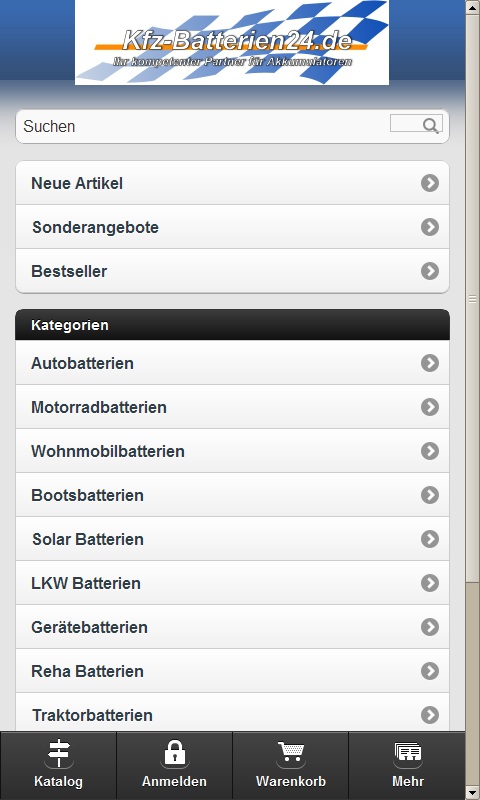
About Kfz-Batterien24.de
Wir spezialisieren uns auf Akkumulatoren in der Automobilindustrie. Zu unseren Schwerpunkten gehören Autobatterien, Motorradbatterien, LKW- Batterien, Gerätebatterien sowie Antriebs- und Beleuchtungsbatterien. Diese werden hauptsächlich in Wohnmobilen, Booten und Solaranlagen eingebaut und versorgen diverse Stromverbraucher, wo ein Anschluss an ein Stromnetz nicht möglich ist bzw. wo ein Akkumulator für die Notstromversorgung eigesetzt werden soll.
Bei unserem Sortiment haben wir für Sie vorselektiert und bieten nun Starterbatterien für jeden Anspruch.
Die Voltecc Batterien überzeugen durch ihr gutes Preis- Leistungsverhältnis, optimale Werte und innovative Technologien. Diese Batterien sind günstig, können aber sehr gut mit Marken Batterien mithalten.
Kunden, die dennoch auf Nummer- Sicher gehen wollen, finden bei uns auch Markenware wie Bosch und Iboxx, die durch diverse Tests und Erfahrungen die Kunden überzeugten.
Das Team von Kfz-Batterien24 wünscht Ihnen einen angenehmen Einkauf und viel Freude mit den gekauften Artikeln.
About the app
The Android app Kfz-Batterien24.de comes from Andre Dyck and has been available for free in the apps.merq.org community app store since Jul 5, 2014 – listed in the Business category. 412 users have already downloaded Kfz-Batterien24.de.
As a business app, Kfz-Batterien24.de brings together information, offers and news of a company or organisation in its own Android app. The app is installed as an APK file directly from apps.merq.org – no Google account required. You only need to allow installation from unknown sources once.
Details about the provider can be found in the imprint on this page. The name, description and content of the app come from the uploader; questions about the app are best answered by Andre Dyck directly.
How to install the app
- Open this page on your Android device and tap “Install”.
- If asked, allow your browser to install apps from “unknown sources”.
- Open the downloaded APK file and confirm the installation.
On a computer? Use “Share” to send the link to your phone.


