


Free · APK download
Preview

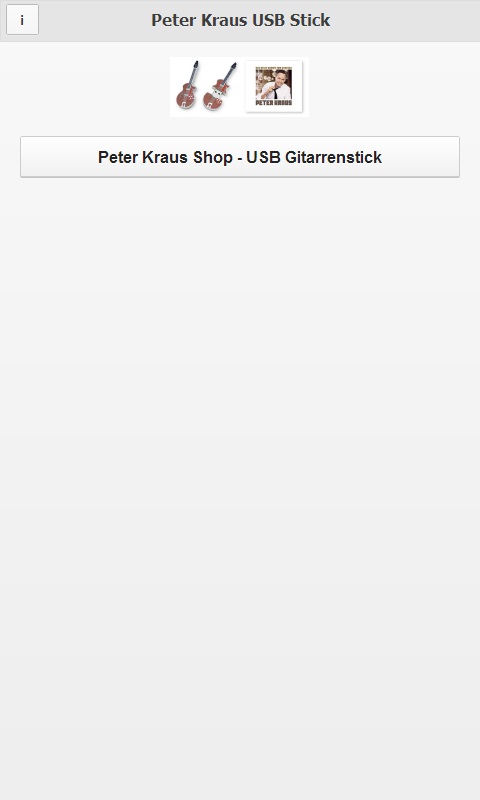
About Peter Kraus USB Stick
Peter Kraus verabschiedet sich nach 60 Jahren auf der Bühne vom intensiven Tourleben und geht ein letztes Mal auf große Tournee.
Für diese Tour hat Peter sich etwas ganz besonderes für seine Fans überlegt, und lässt jede einzelne Show aufzeichnen und bietet diese auf einem einzigartigen USB Stick direkt nach dem Konzert an. So können Sie Ihre Show immer wieder anhören, und werden das Konzert nie vergessen.
Der USB Stick ist aus Metall, und hat die Form von Peter Kraus’ Lieblingsgitarre. Außerdem hat der USB Stick eine Speicherkapazität von 4 GB.
Erhältlich ist das Konzert direkt nach dem Konzert neben dem Merchandising an einem separaten Verkaufsstand, und online gibt es die USB Gitarre zu bestellen unter www.bleecker-street-shop.com/collections/peterkraus
Die USB Gitarre konnte bereits ab dem 26. September 2014 im Onlineshop vorbestellt werden, und wird jeweils am Tag nach dem Konzert verschickt.
Das Team von Bleecker Street Entertainment ist stolz die Ikone des deutschen Rock’n’Roll auf seiner großen Tournee zu begleiten.
Sichern Sie sich Ihre USB Gitarre, und damit die Erinnerung an Ihr Konzert mit Peter Kraus auf der ‚Das Beste kommt zum Schluss’ – Tournee.
About the app
Peter Kraus USB Stick is a free Android app in the Leisure category, created by Peter Kraus with the merq Appmaker and published on apps.merq.org on Oct 13, 2014. The app has 710 downloads so far.
As a leisure app, Peter Kraus USB Stick is for everyone who wants to follow offers, dates and news about hobbies, clubs or trips on the go. The download is a free APK file. After downloading, just confirm the installation from unknown sources.
You will also find 2 more apps by Peter Kraus in the store. Details about the provider can be found in the imprint on this page. The name, description and content of the app come from the uploader; questions about the app are best answered by Peter Kraus directly.
How to install the app
- Open this page on your Android device and tap “Install”.
- If asked, allow your browser to install apps from “unknown sources”.
- Open the downloaded APK file and confirm the installation.
On a computer? Use “Share” to send the link to your phone.


