


Install
Free · APK download
Preview

About Aseko
Willkommen
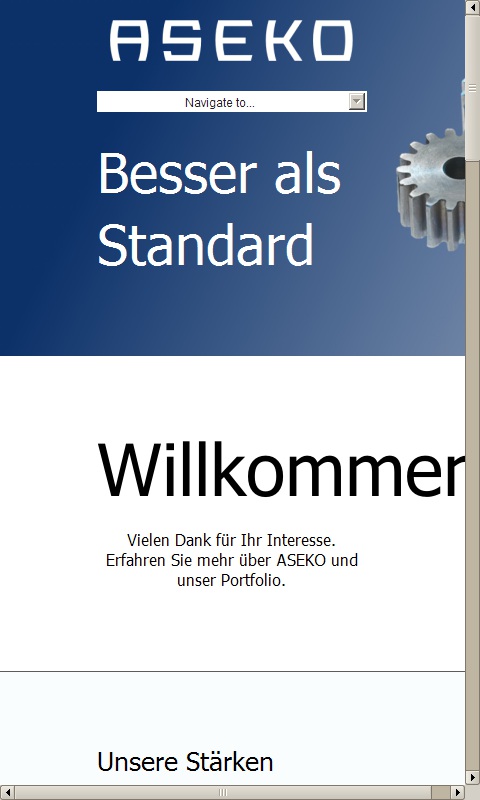
Vielen Dank für Ihr Interesse. Erfahren Sie mehr über ASEKO und unser Portfolio.
Unsere Stärken
Erfahrung
Profitieren Sie mit uns durch jahrzente Erfahrung im ITK Umfeld.
Gerne unterstützen wir Sie auch bei der Planung und Umsetzung von Projekten.
Lösungen
Einen besonders grossen Wert wird bei ASEKO stets darauf gelegt dem Kunden nicht nur ein Produkt, sondern gleich eine Lösung zu bieten und somit einen Mehrwert zu schaffen.
Masterplan
“Prozesse müssen immer wieder neu definiert werden, nicht weil sich neue Tatsachen ergeben, sondern weil sich der Standpunkt der Betrachtung ändert.”
Dirk Dralle
“Standardisierung ist der Schlüssel, um komplizierte Abläufe und Prozesse einfach zu gestalten.”
Karsten Hillmann
Über uns
Ursprünglich mit den Schwerpunkten IT Security und Support hat sich die ASEKO GmbH seit einigen Jahren auf die reine Softwareentwicklung spezialisiert.
Durch jahrelange Erfahung im ITK Umfeld, haben wir Lösungen entwickelt die Ihre ITK Prozesse abbilden und unterstützen.
Erfahren sie mehr...
Lösungen
Masterplan Business Intelligence Suite
Masterplan Auftragscenter
Masterplan Accounting & Billing
Masterplan Link
Masterplan Report Manager
Masterplan Report Manager Light
Masterplan Rollout Monitor
Masterplan Kommunikationsinterface
Masterplan Data Base
Masterplan Sales
Kontakt
Im Heidkampe 36, 30659 Hannover, Deutschland
+49 (511) 220 626 0
info@aseko.de
www.aseko.de
Vielen Dank für Ihr Interesse. Erfahren Sie mehr über ASEKO und unser Portfolio.
Unsere Stärken
Erfahrung
Profitieren Sie mit uns durch jahrzente Erfahrung im ITK Umfeld.
Gerne unterstützen wir Sie auch bei der Planung und Umsetzung von Projekten.
Lösungen
Einen besonders grossen Wert wird bei ASEKO stets darauf gelegt dem Kunden nicht nur ein Produkt, sondern gleich eine Lösung zu bieten und somit einen Mehrwert zu schaffen.
Masterplan
“Prozesse müssen immer wieder neu definiert werden, nicht weil sich neue Tatsachen ergeben, sondern weil sich der Standpunkt der Betrachtung ändert.”
Dirk Dralle
“Standardisierung ist der Schlüssel, um komplizierte Abläufe und Prozesse einfach zu gestalten.”
Karsten Hillmann
Über uns
Ursprünglich mit den Schwerpunkten IT Security und Support hat sich die ASEKO GmbH seit einigen Jahren auf die reine Softwareentwicklung spezialisiert.
Durch jahrelange Erfahung im ITK Umfeld, haben wir Lösungen entwickelt die Ihre ITK Prozesse abbilden und unterstützen.
Erfahren sie mehr...
Lösungen
Masterplan Business Intelligence Suite
Masterplan Auftragscenter
Masterplan Accounting & Billing
Masterplan Link
Masterplan Report Manager
Masterplan Report Manager Light
Masterplan Rollout Monitor
Masterplan Kommunikationsinterface
Masterplan Data Base
Masterplan Sales
Kontakt
Im Heidkampe 36, 30659 Hannover, Deutschland
+49 (511) 220 626 0
info@aseko.de
www.aseko.de
About the app
With Aseko, Enrico Tannert offers a free app for Android smartphones and tablets. The app belongs to the Business category and was published on Feb 7, 2017. So far, Aseko has been downloaded 379 times.
As a business app, Aseko brings together information, offers and news of a company or organisation in its own Android app. Aseko is installed without going through another app store: download the APK file, allow installation from unknown sources and open the app.
Details about the provider can be found in the imprint on this page. The name, description and content of the app come from the uploader; questions about the app are best answered by Enrico Tannert directly.
How to install the app
- Open this page on your Android device and tap “Install”.
- If asked, allow your browser to install apps from “unknown sources”.
- Open the downloaded APK file and confirm the installation.
On a computer? Use “Share” to send the link to your phone.


