


Free · APK download
Preview

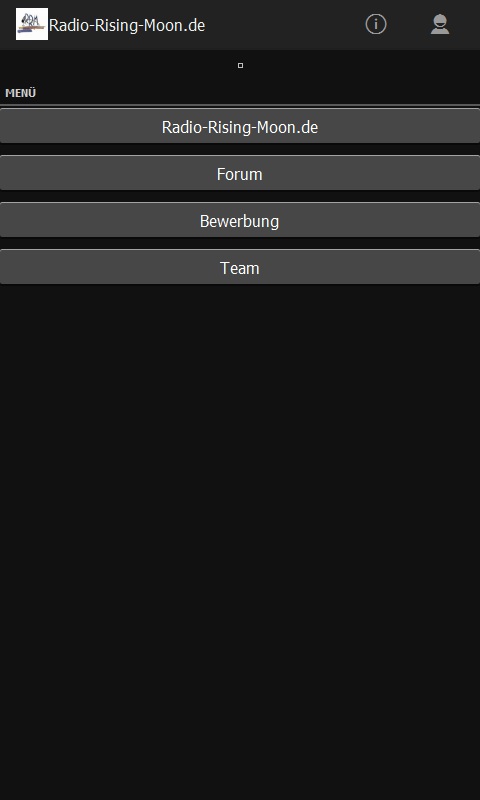
About Radio-Rising-Moon.de
Unser Radio: Radio-Rising-Moon.de ist unser "Magnet". Über unser Radio möchten wir erreichen, dass Menschen über die Musik in Kontakt zueinander kommen. Bitte registriert Euch auf unserer HP und klickt dann auf Forum, um "Teil" unseres Forums zu werden. Hier könnt Ihr euch austauschen über alles, was Eure Erkrankung angeht. Egal, ob nun eine körperliche und/oder psychische Erkrankung euer Leben beeinflusst. Hier seid Ihr richtig. Wir möchten Euch gerne helfen, wie immer es auch möglich ist. Wir freuen uns auf Euch und Eure Themen. Wir möchten uns hier austauschen, Hilfestellung geben, soweit es möglich ist, Adressen nennen und einfach einen lockeren Umgang zwischen Menschen mit oder auch ohne Erkrankung ermöglichen. Unser Radio und somit unsere Musik für unsere Zuhörer soll die Verbindung zwischen allen Menschen darstellen. Ihr sollt die Möglichkeit haben, während Eures Aufenthaltes im Forum Rising-Star4,de auch Unterhaltung in Form von Musik zu haben.
About the app
The Android app Radio-Rising-Moon.de comes from Martina Naumer and has been available for free in the apps.merq.org community app store since Dec 23, 2014 – listed in the Blogs & News category. 621 users have already downloaded Radio-Rising-Moon.de.
As a blogs and news app, Radio-Rising-Moon.de brings the content of a website or feed straight to your phone – new posts are easy to read on the go. The app is installed as an APK file directly from apps.merq.org – no Google account required. You only need to allow installation from unknown sources once.
Details about the provider can be found in the imprint on this page. The name, description and content of the app come from the uploader; questions about the app are best answered by Martina Naumer directly.
How to install the app
- Open this page on your Android device and tap “Install”.
- If asked, allow your browser to install apps from “unknown sources”.
- Open the downloaded APK file and confirm the installation.
On a computer? Use “Share” to send the link to your phone.


